

Camera or capture device
Use a DSLR, mirrorless camera, webcam, or camera device that fits your event quality and file transfer flow.
A practical checklist for running a booth with Framify, from a simple setup to busier events.
Framify does not require operators to start with an expensive booth. What matters is that photo capture, payment, and file delivery run cleanly at the event location.
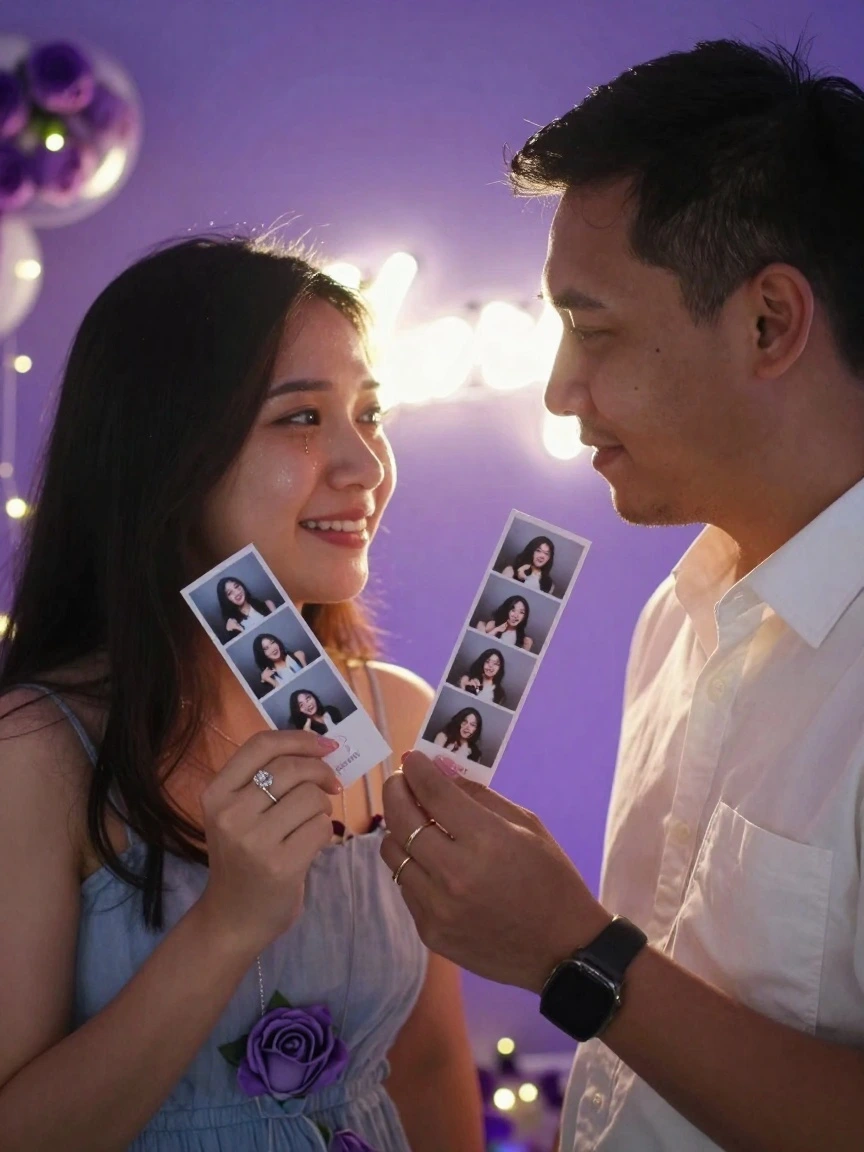
Use a DSLR, mirrorless camera, webcam, or camera device that fits your event quality and file transfer flow.
Needed to open the dashboard, manage sessions, monitor payments, and assist customers during events.
Connection is needed for QRIS, data sync, and digital file delivery. Prepare a backup hotspot for crowded locations.
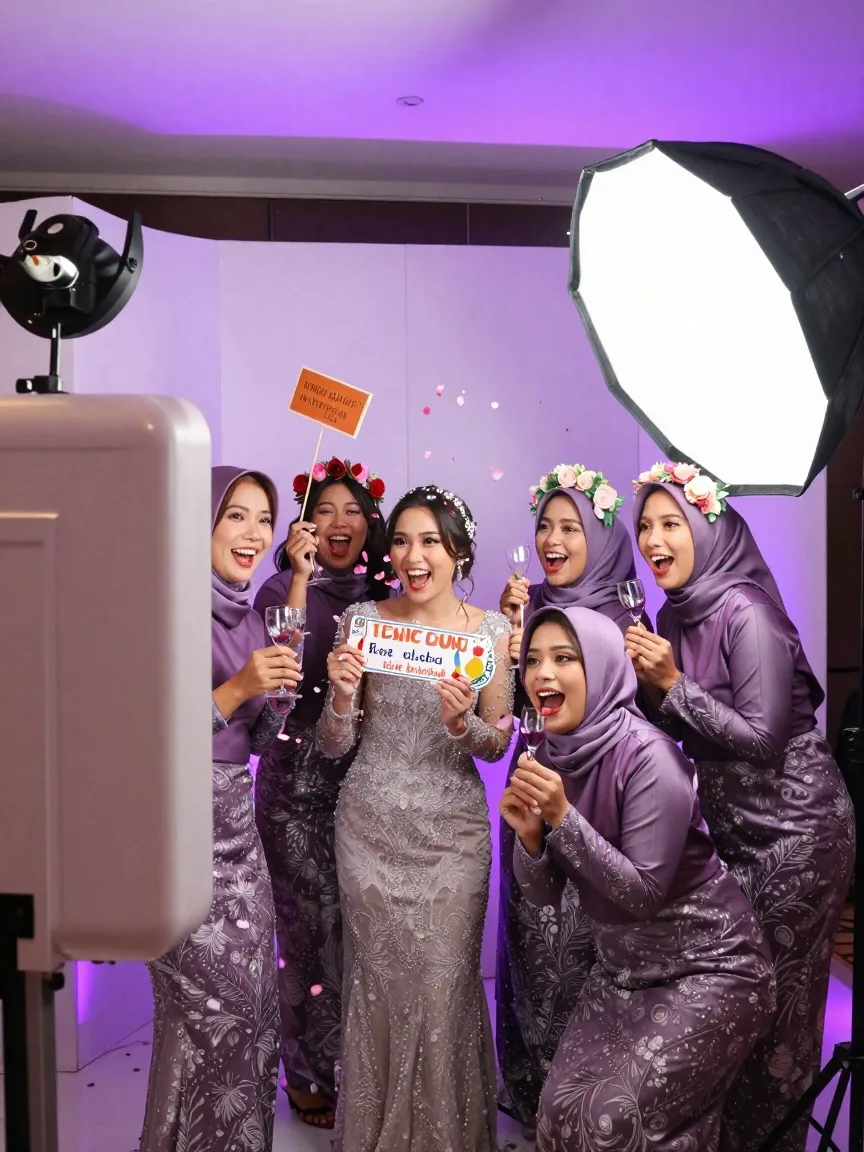
Consistent lighting and a clean background help photos look professional with less manual correction.
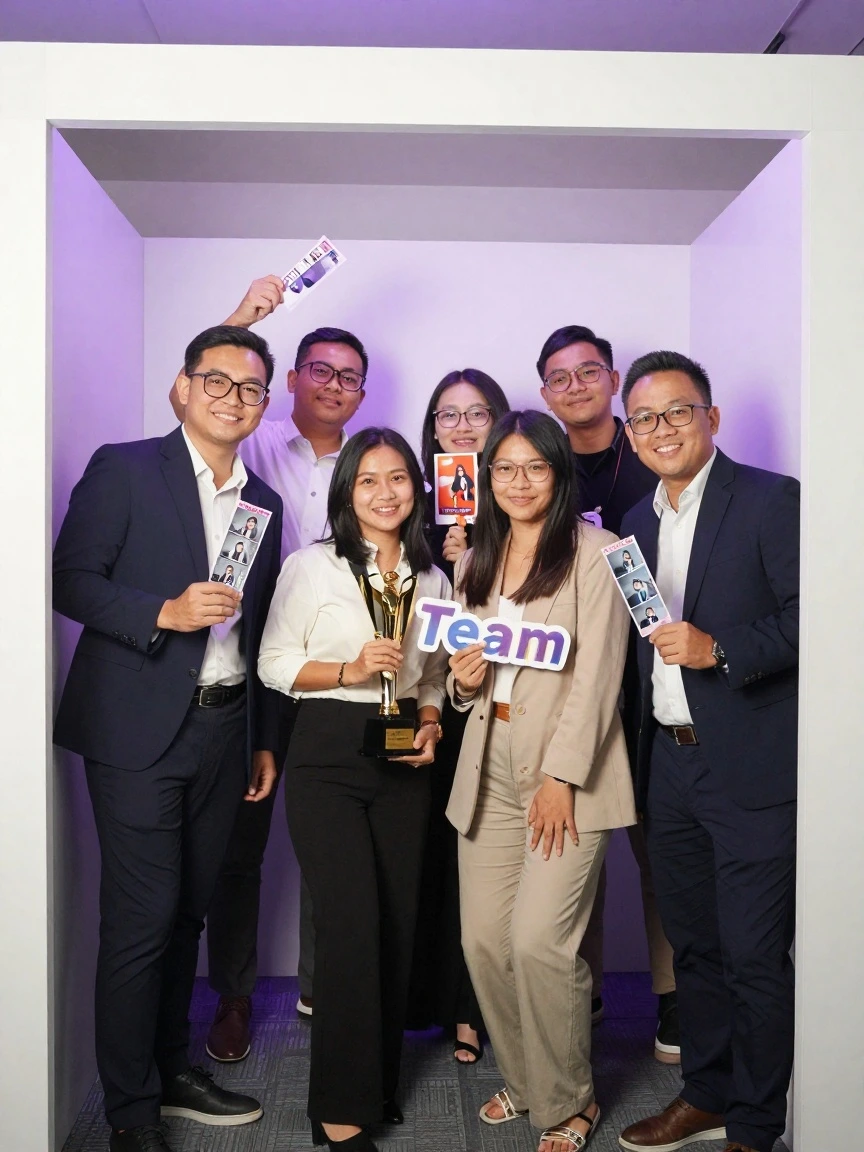
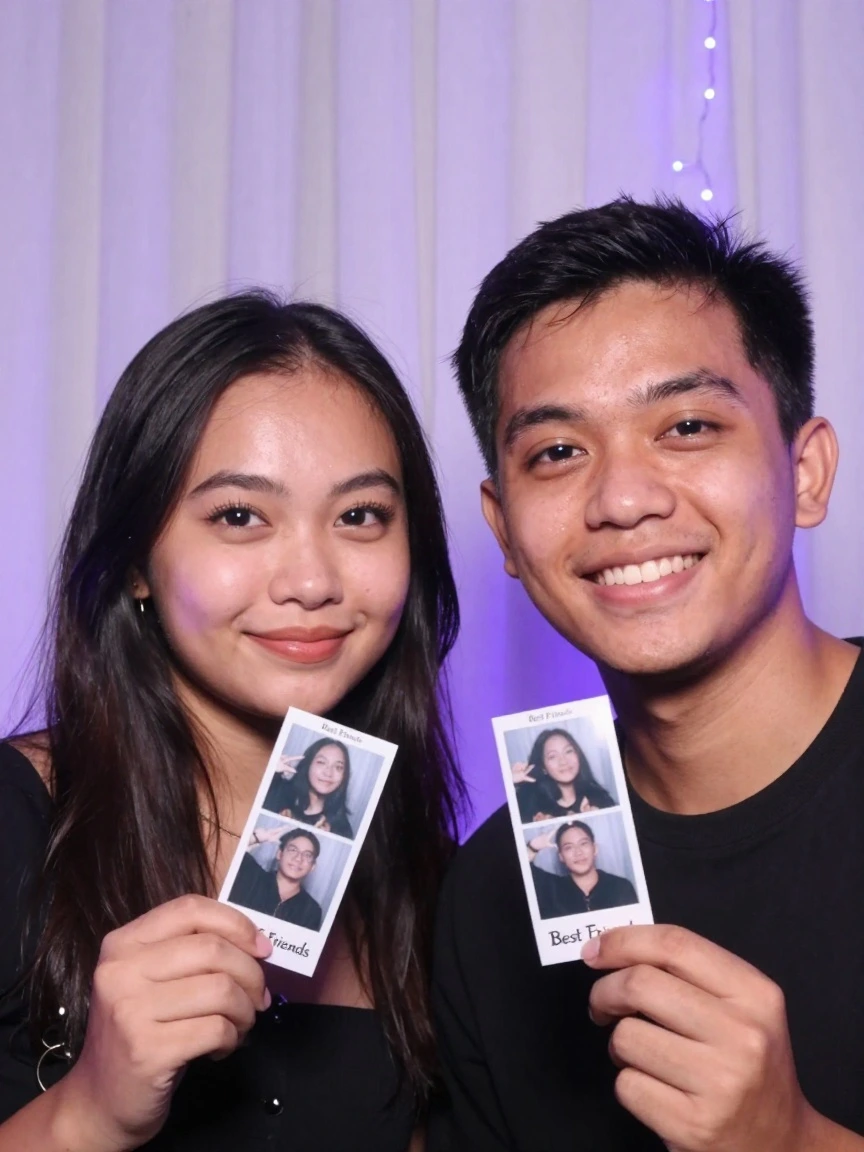
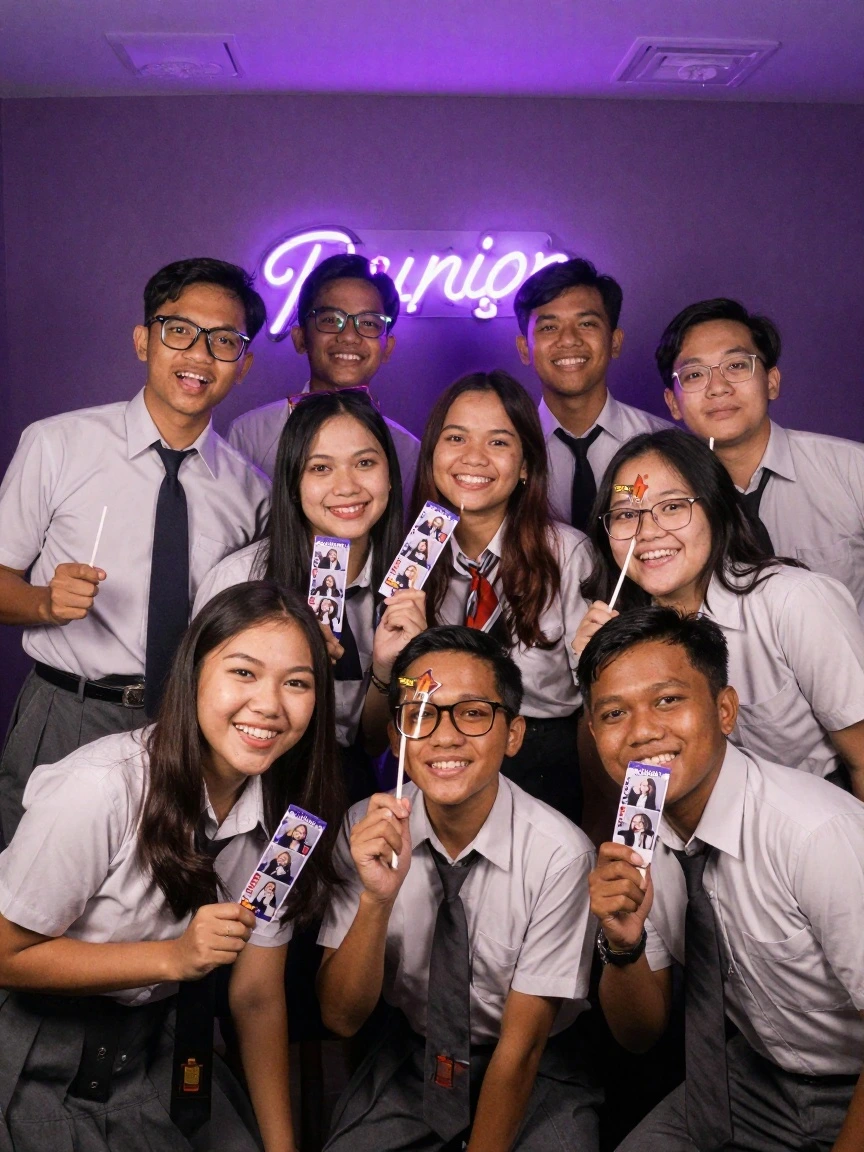


Tell us the event type and equipment you already have, and we will help build an initial checklist.